
Diagnostic + Cleanup
Full checkup of your machine — hardware test, virus scan, junk removal, and performance tune-up.
- RAM and drive health test
- Virus & malware removal
- Startup and bloatware cleanup
- Windows / macOS updates
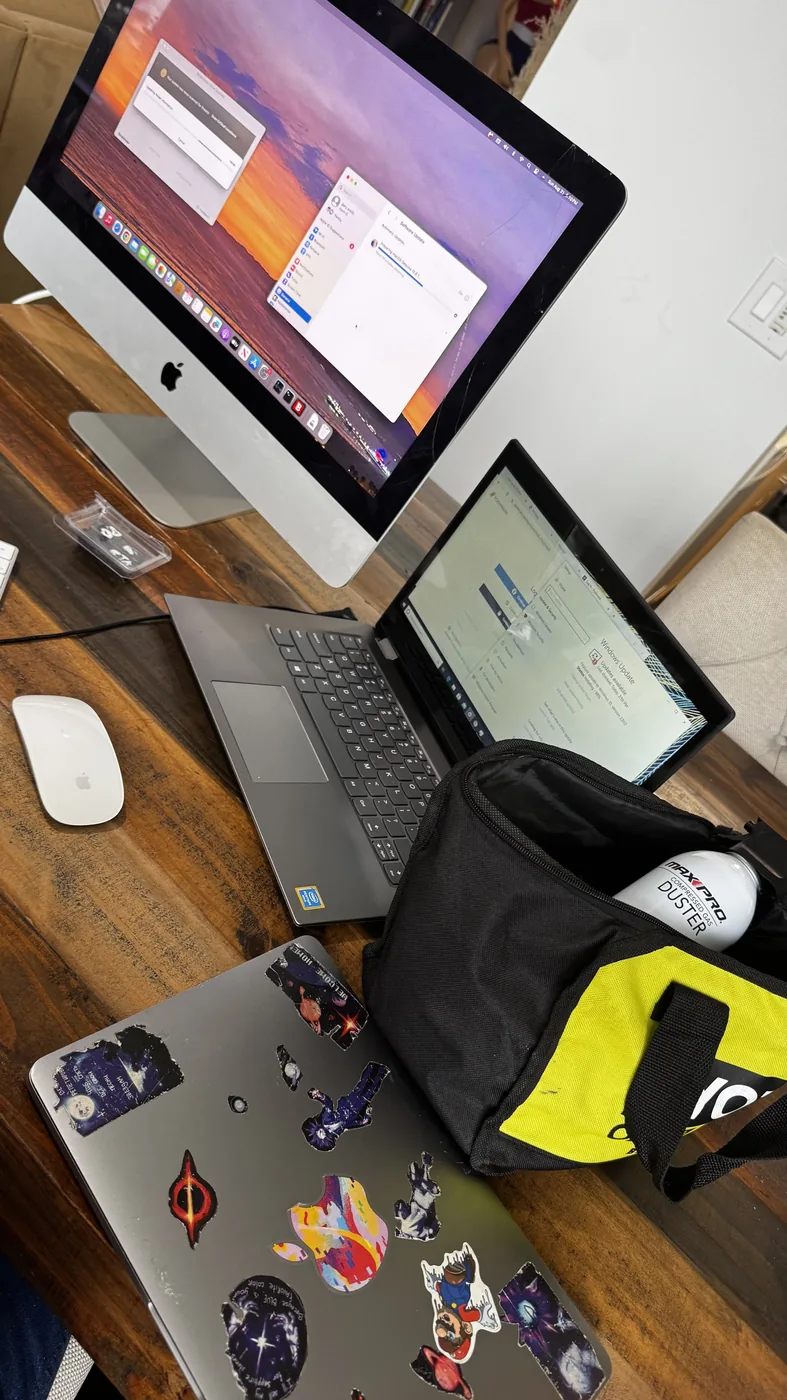
Viruses, slowdowns, crashes, overheating — I pick up your PC or laptop, diagnose and fix it within 3 days, then bring it back. No drop-off line, no call center. Starting from $100.
I come to you in LA, pick up the computer, and bring it back when it's done
RAM test, drive health check, malware scan — before any work starts
Cleanup, upgrades, and repairs — priced clearly after the diagnostic
Back to you within 3 days, running properly — no drop-off line needed
Most of these have been building up for years. A proper diagnostic and cleanup usually makes a huge difference.
Old HDD, too many startup programs, low RAM, or Windows that hasn't been cleaned up in years.
Malware and adware that most built-in tools miss. Full removal, not just a scan.
Dust buildup and dried-out thermal paste — especially common on machines that haven't been serviced since 2018.
Failing HDD, bad RAM, or overheating. I test the hardware to find the real cause.
Machines that haven't been updated in years often need more than just a click. I handle it.
Bloatware, low storage, fragmented drives, outdated software — a full tune-up usually fixes it.
Pricing is confirmed after the initial diagnostic. No surprise charges.
Full checkup of your machine — hardware test, virus scan, junk removal, and performance tune-up.
The single biggest speed improvement for most old computers. Boot times go from minutes to seconds.
Computers from 2018 and older usually have dried-out thermal paste. Replacing it drops temperatures significantly.
Not enough RAM is one of the most common reasons a computer feels sluggish with multiple tabs or apps open.
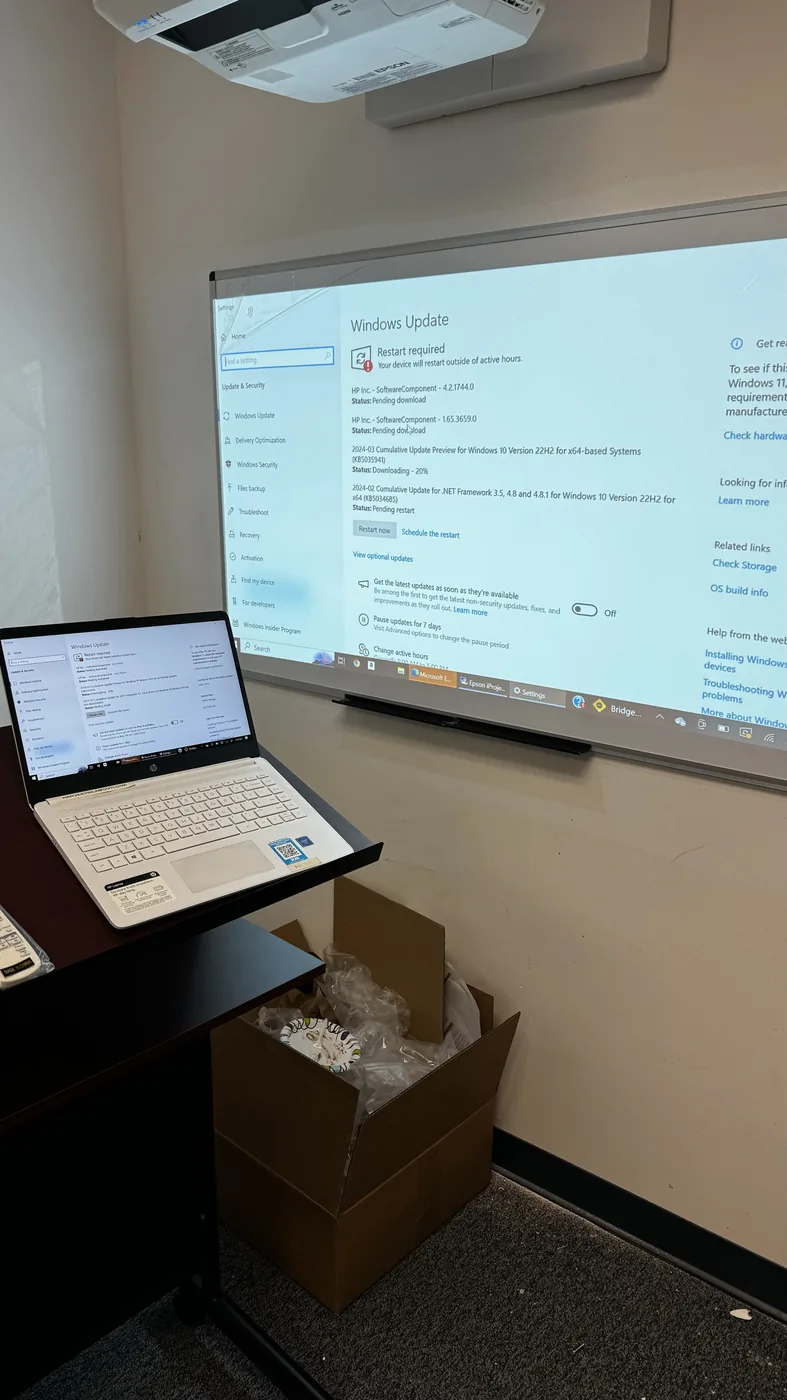
HP laptop that hadn't been updated in years — full Windows update cycle, driver cleanup, and performance tune-up.
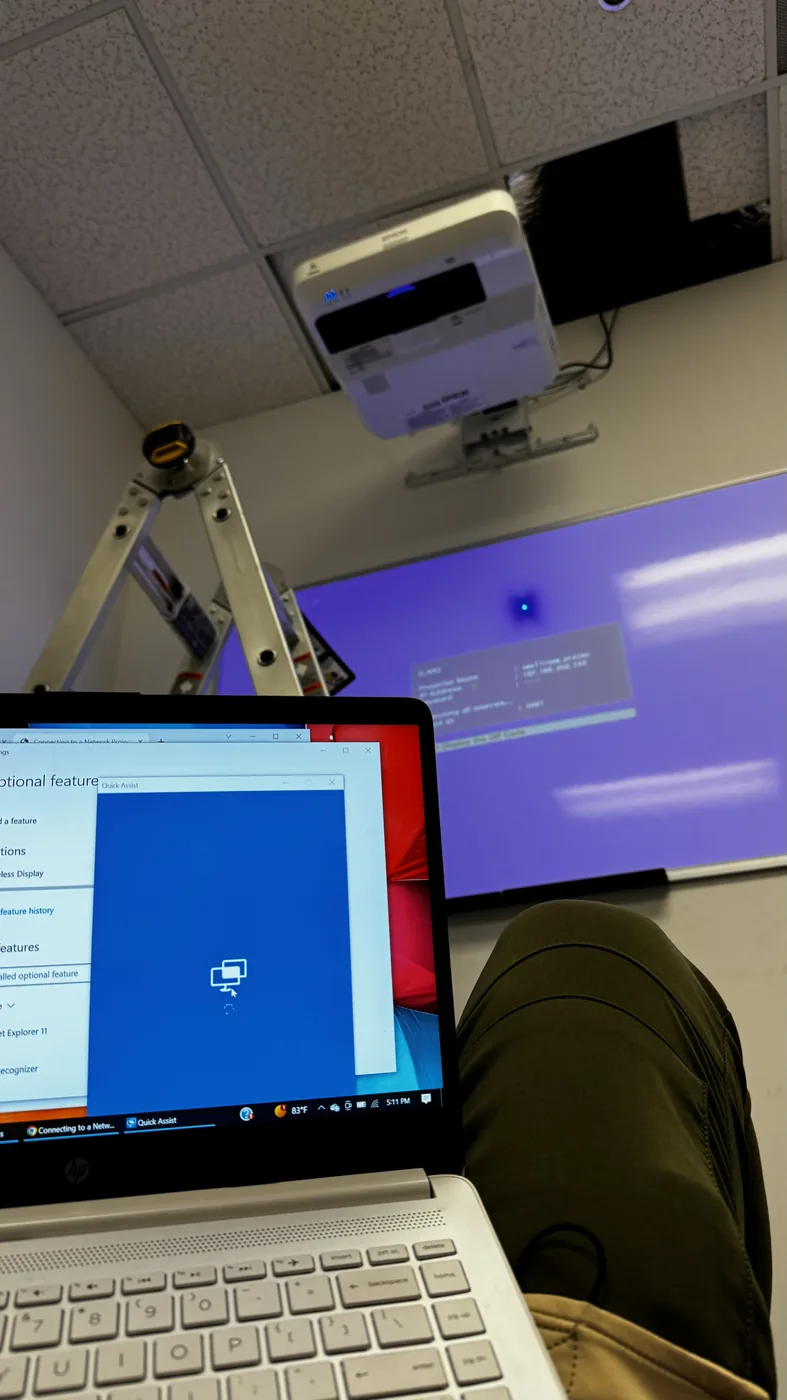
Connectivity and software issues sorted out on location — HP laptop and network brought back to working order.
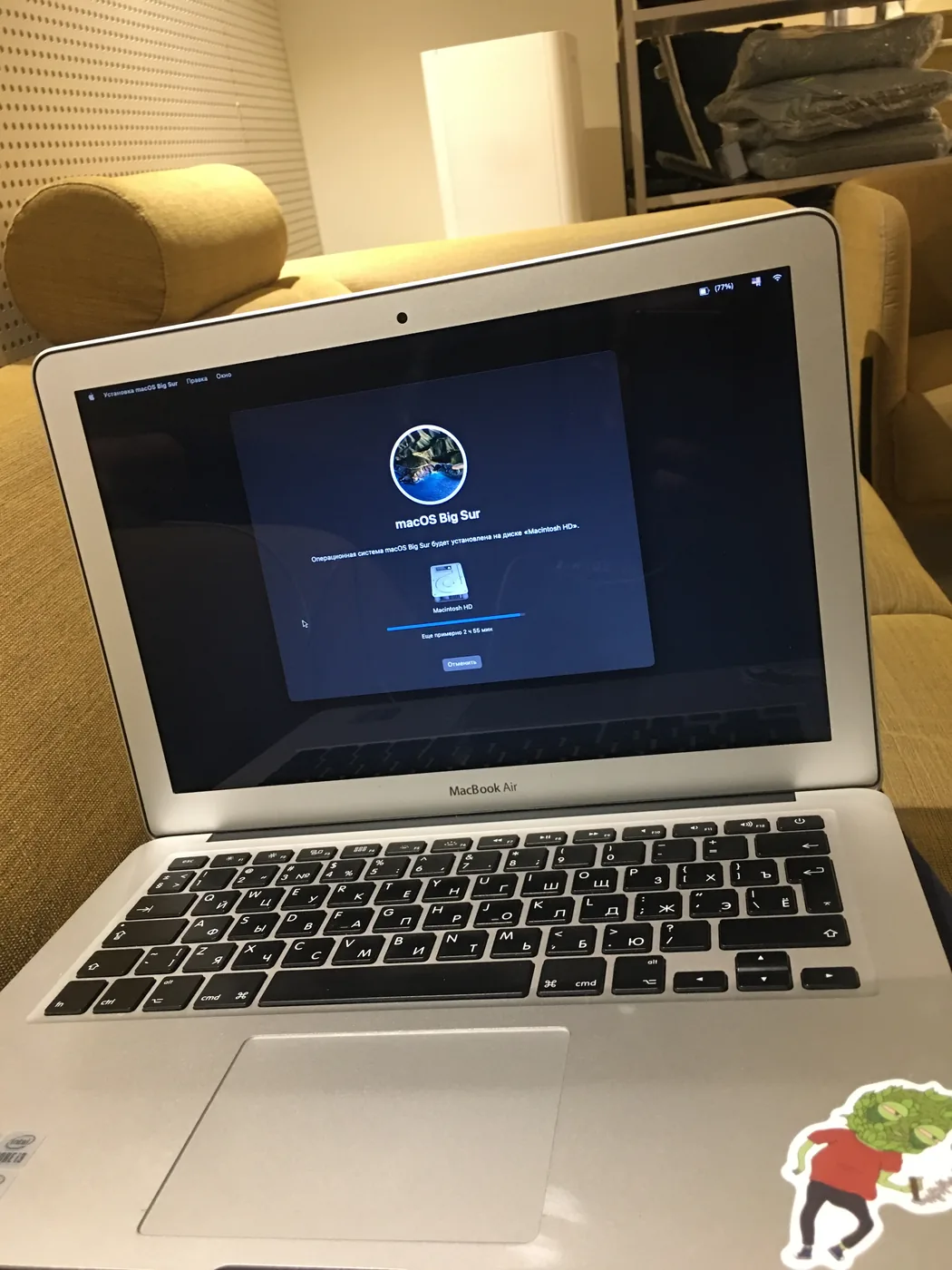
MacBook Air with a sluggish, cluttered system — clean macOS reinstall and fresh setup from scratch.
Text or call with a short description of the problem, your device type, and your area in LA.
I come to your home or office in Los Angeles and take the computer with me.
I run a full diagnostic first — RAM, drive, temps — then confirm the price and do the work. Usually within 3 days.
Computer comes back to you running properly. No surprise charges — price is confirmed before work starts.
I test RAM, check drive health, and look at temps before deciding what needs fixing — not just running a scan and calling it done.
After the diagnostic I tell you what I found and what it'll cost. You decide whether to proceed.
You talk directly to the person fixing your computer. Text me, I text back.
If an SSD would make a bigger difference than a cleanup, I'll tell you that. If the machine isn't worth fixing, I'll tell you that too.
Starting from $100 for a standard diagnostic and cleanup. The exact price is confirmed after I run the diagnostic — before any work starts. Hardware upgrades (SSD, RAM) are priced separately plus the cost of parts.
Most jobs are done within 1–3 days. Things like Windows updates on a machine that hasn't been updated since 2018 can take a long time — that's part of why I work on it at my place rather than sitting at yours for 12 hours.
The diagnostic is included. If I find out the machine isn't worth repairing, I'll tell you before doing any paid work — and return the computer to you.
Los Angeles and nearby areas. Text me your location and I'll confirm.
Primarily Windows PCs and laptops — that's where most of the work is. Some Mac cleanup and software issues, but hardware upgrades on newer Macs are usually not possible. Text me and I'll let you know.
I do not access or copy personal files. If the drive is failing, I'll let you know before anything risky happens. Having a backup before handing over any computer is always a good idea.
Text me what's happening, your device type, and your area in Los Angeles. I'll get back to you and we'll schedule a pickup.
Honest diagnostics. Clear pricing. No drop-off line.